Understanding Linked Lists: The Treasure Hunt
Discover how linked lists organize data through an engaging treasure hunt analogy. Learn why sometimes the journey matters more than the destination.
Discover how linked lists organize data through an engaging treasure hunt analogy. Learn why sometimes the journey matters more than the destination.
Author
Mr. Oz
Date
Read
5 mins
Level 1
Author
Mr. Oz
Date
Read
5 mins
Share


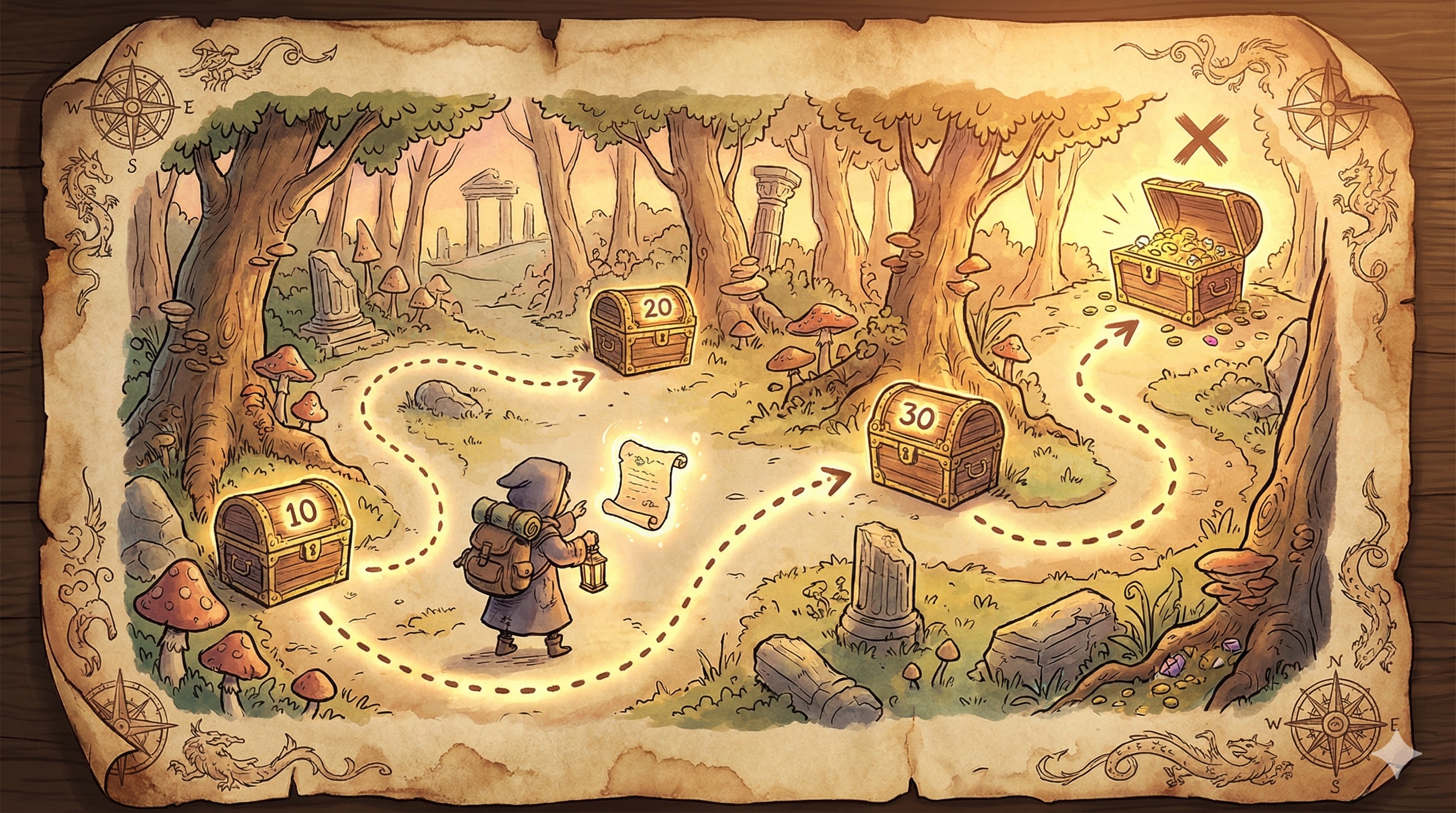
Imagine you're on a treasure hunt. You don't have a map with all locations marked. Instead, you find a starting clue that tells you where to go next. At each location, there's another clue pointing to the next one.
This is exactly how a linked list works in computer science!
Let's break down the treasure hunt:
In programming terms:
null or None pointer
Imagine storing the numbers [10, 20, 30, 40] in a linked list:
Each box is a node containing both:
You might wonder: "Why bother with this treasure hunt? Why not just put everything in a list like [10, 20, 30, 40]?"
Great question! Arrays are like having all treasures in a single chest with numbered compartments. But linked lists have special powers:
Of course, there's a catch. With a treasure hunt (linked list):
The key insight: Linked lists trade random access for flexibility. Use them when you need to frequently add or remove items, especially in the middle of your data.
Ready to go deeper?
null or None
Level 1
Learn the fundamentals of linked lists through an engaging treasure hunt analogy.
Author
Mr. Oz
Duration
5 mins
Level 2

Implementation details, pointer manipulation, traversal, insertion, and deletion operations.
Author
Mr. Oz
Duration
8 mins
Level 3
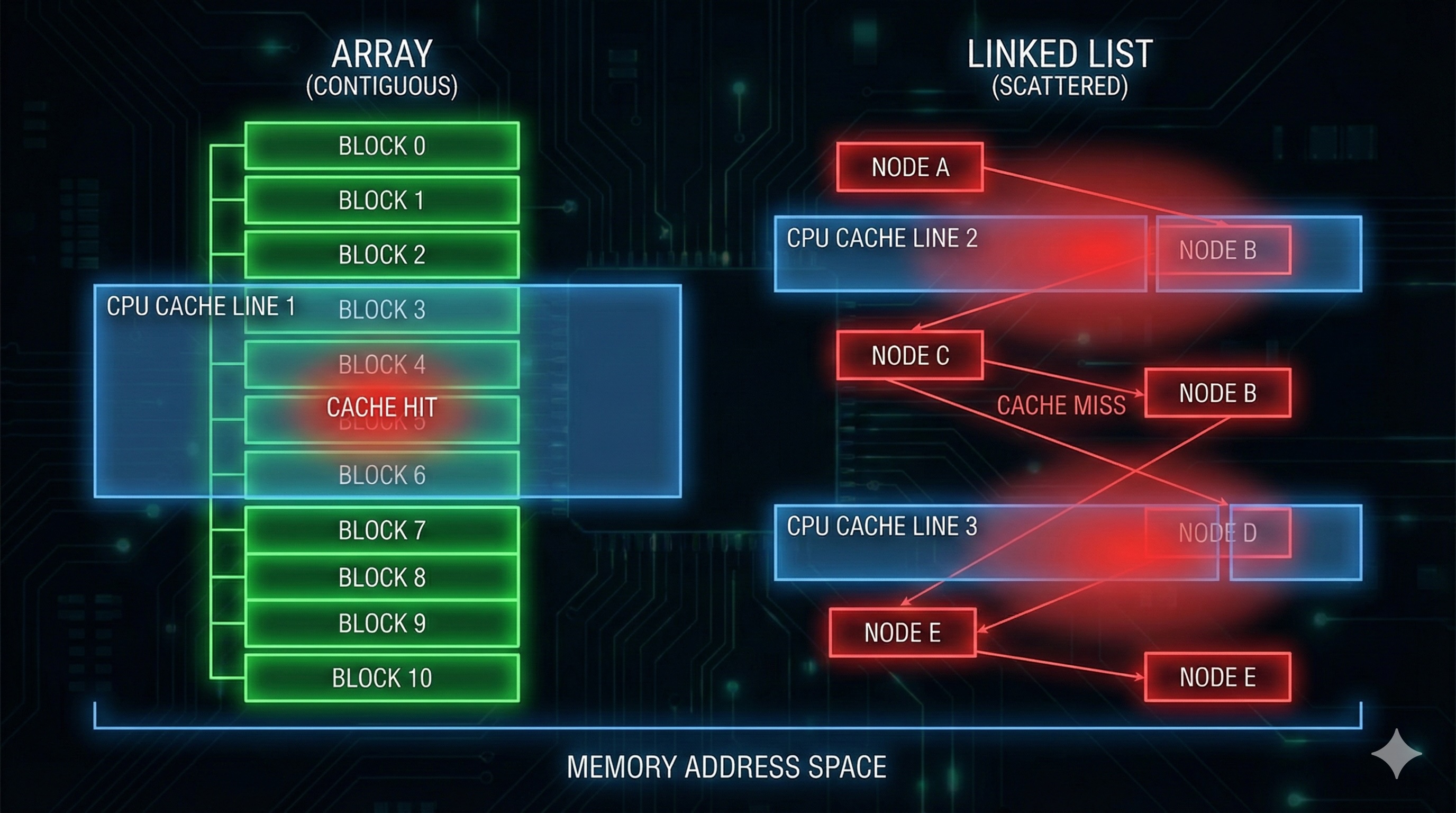
Memory layout, CPU cache performance, and when to choose linked lists over arrays.
Author
Mr. Oz
Duration
12 mins